




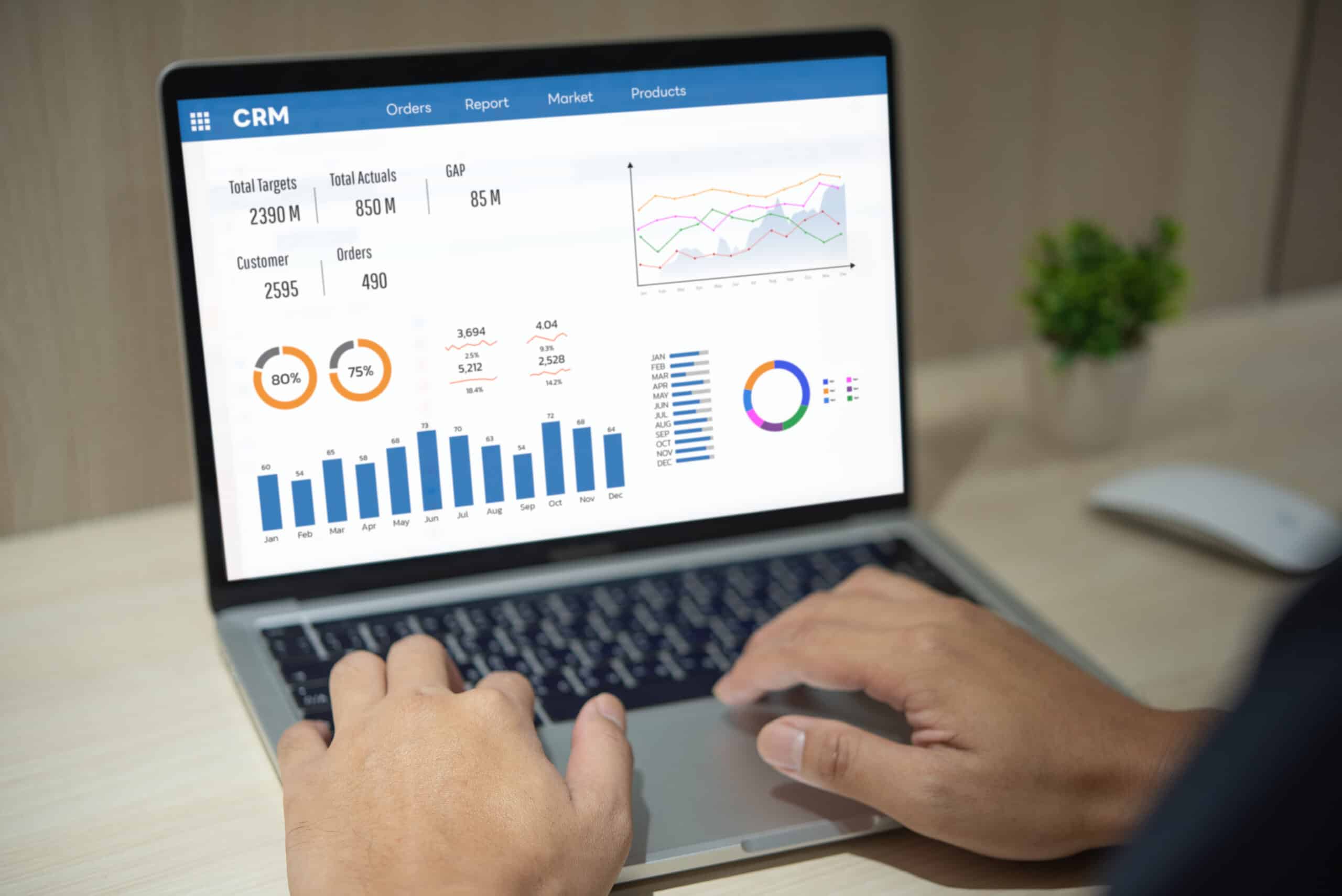
For a B2B marketer, one of the fastest ways to find more of your actual buyers is to feed your own first-party data into your media campaigns as targeting audiences. In B2B, where the buying committee is small and every qualified account matters, that data comes straight through channels you already own: CRM records, form fills, demo requests, event registrations, and purchase history. Uploaded as a hashed customer list, it becomes an ad audience on Google, Meta, and LinkedIn that matches real people you already know and models new prospects who resemble them.
This is the difference between renting an audience and building one, and for B2B teams it is where wasted media spend gets recovered. Below you will learn how to use first-party data in marketing: how the pipeline works, where to activate it, and how to avoid the mistakes that drain budget.
Key Takeaways
- First-party data turns your CRM and registration pipeline into ad audiences that target known buyers and model new ones who look like them.
- Platforms require hashed lists and minimum match thresholds. Google recommends at least 100 active users; LinkedIn needs 300 matched members to serve.
- Segmentation beats one big list. Separate closed-won, active pipeline, churned, and cold leads so each audience gets the right message and bid.
- Suppression is half the value. Exclude existing customers and closed-lost records so you stop paying to reach people you should not target.
What Counts as First-Party Data
First-party data is anything your audience gives you directly through interactions you own. Common first-party data examples for a B2B company include:
- CRM records: contact email, name, company, job title, deal stage.
- Registration and form data: webinar signups, gated content downloads, demo requests, newsletter subscribers.
- Product and purchase data: trial users, active accounts, renewal dates, plan tier.
- Site and engagement signals: pages visited, pricing-page views, repeat sessions tied to a known contact.
The first-party data vs. third-party data distinction matters: third-party data is information about people collected by someone else and sold or shared for targeting. First-party data is more accurate because it comes from your own systems, and it is yours to use under your privacy policy and consent terms.
Why a First-Party Data Strategy Is the Durable Bet
First-party data marketing rests on the most accurate, durable, and controllable input for targeting your actual buyers. The pressures that make it valuable keep rising: tightening privacy regulation, consent requirements, signal loss across platforms, and growing customer expectations for relevance. The numbers back the shift. Over 68% of advertisers have already used first-party data to target customers, according to research from StackAdapt and Ad Age.
The demand side agrees. Twilio’s 2025 report found that 88% of consumers are more likely to buy when engagement is personalized in real time, but only 44% of brands say they execute at that level. That gap is the opportunity. The companies closing it are the ones putting their own data to work.

From CRM to Ad Audience: How a First-Party Data Strategy Works
The mechanics are more straightforward than most teams expect. The work is in the discipline, not the technology.
1. Clean and structure the source. Start in your CRM. Standardize email formats, remove duplicates, and tag records by stage: lead, MQL, opportunity, closed-won, closed-lost, churned. Your segmentation is only as good as these tags.
2. Match the platform’s required fields. Each ad platform accepts specific identifiers. The more fields you provide, the higher your match rate.
3. Hash and upload securely. You do not send raw customer data into an ad account. For Google, email addresses, names, and phone numbers must be hashed with the SHA-256 algorithm before upload. Most platforms hash automatically when you upload through their interface.
4. Let the match run. Platforms compare your hashed records against their hashed user base. Google’s matching process can take up to 48 hours, after which your data file is marked for deletion.
5. Build models from the seed. Once a list is live, use it as a seed for lookalike or similar-audience modeling. This is where first-party data finds new buyers, not just the ones you already have.
6. Refresh on a schedule. Lists decay. New leads enter, deals close, contacts leave companies. Sync your CRM to your ad audiences weekly or automate it so the audience reflects reality.

Where to Activate Your First-Party Data Strategy
The three major platforms handle first-party lists differently. Match the channel to where your buyers actually are and to the audience size you can supply.
| Platform | Audience type | Minimum to serve | Identifiers accepted | Best B2B use |
|---|---|---|---|---|
| Google Customer Match | Customer Match | ~100 active users recommended | Email, phone, name, mailing address (hashed) | Search, YouTube, and Gmail targeting of known leads and similar segments |
| Meta Custom Audiences | Custom and Lookalike | 100 to create a lookalike; ~1,000 active for reliable delivery | Email, phone, name, and other contact fields | Modeling new prospects from a closed-won seed list |
| LinkedIn Matched Audiences | Contact and Company targeting | 300 matched members; lists need at least 300 rows | Email; company name and domain for account lists | Account-based targeting refined by job function and seniority |
A practical pattern for B2B: use LinkedIn for account-based precision against named-account lists, Google Customer Match to catch known leads in active search and on YouTube, and Meta lookalikes to model net-new prospects from your best customers.
Build a First-Party Data Strategy That Finds More of Your Buyers
Uploading a list is the easy part. The strategy is in how you slice it.
Segment by value and stage. A single “all contacts” list dilutes your spend. Build separate audiences for closed-won, active pipeline, recently churned, and cold leads. Each deserves a different message and bid. Active-pipeline contacts might see proof-point content; churned accounts might see a win-back offer.
Seed lookalikes from your best, not your most. When modeling new prospects, the quality of the seed sets the ceiling. A list of 500 high-LTV, closed-won accounts produces a sharper model than 50,000 unqualified leads. Feed the platform your winners and let it find more of them.
Suppress aggressively. Exclude current customers from acquisition campaigns and closed-lost records that already said no. Suppression lists stop you from paying to reach people who will not convert, and they keep your prospecting budget on actual prospects.
Layer firmographics on LinkedIn. Upload a named-account list, then refine by seniority and job function so your budget reaches the buying committee rather than the whole company.
This is the work where a paid media team earns its keep. Bullseye Strategy’s paid media practice builds these audience structures daily across disciplines and industries, from real estate to SaaS to consumer brands. The pattern repeats regardless of the channel: better inputs, cleaner segmentation, tighter suppression.
Common First-Party Data Strategy Mistakes That Waste the Advantage
- Uploading once and forgetting it. A stale list targets people who already bought or already left. Refresh on a cadence.
- Skipping suppression. Without exclusion lists, you spend acquisition budget on existing customers.
- One giant list. No segmentation means no message-to-audience fit and no way to read what is working.
- Ignoring consent. Only use data your contacts agreed to let you use this way. Match your uploads to your privacy policy.
- Treating match rate as failure. A 50% to 70% match is normal. More identifier fields lift it, but no list matches fully, and that is expected.
A first-party data strategy is the media move that gets sharper the longer you run it. Your CRM already holds the buyers you want more of and the customers you should stop paying to reach. Cleaned, segmented, suppressed, and refreshed on a cadence, that data puts every dollar on Google, Meta, and LinkedIn against people who actually match your best accounts. The B2B teams pulling ahead are not buying better audiences. They are building them from data they already own.
Ready to turn your CRM into ad audiences that find more of your buyers? Talk to Bullseye Strategy’s paid media team. We build and maintain these audience structures every day, and we can get yours working faster than you expect.

Frequently Asked Questions
How is first-party data different from third-party data in advertising?
First-party data comes directly from your own interactions with customers, such as CRM records, form fills, and purchases. Third-party data is collected by outside companies and sold for targeting. First-party data is more accurate and lower risk because you control the source, the consent, and how it is used.
Is my customer data safe when I upload it to an ad platform?
Platforms require contact details to be hashed before matching, which converts them into irreversible strings. Google uses SHA-256 hashing and TLS encryption, then marks your file for deletion after matching. You never expose raw records inside the ad account. Still, only upload data your customers consented to let you use this way.
How big does my list need to be to run a campaign?
It varies by platform. Google recommends at least 100 active users for Customer Match. LinkedIn requires 300 matched members before a campaign serves. Meta generally needs around 1,000 active users for reliable delivery. Smaller lists still work as seeds for lookalike modeling.
What is a lookalike audience and when should I use one?
A lookalike, or similar, audience is a model the platform builds by finding new users who resemble the people on your uploaded list. Use it when you want to reach net-new prospects rather than re-target known contacts. Seed it with your highest-value customers so the model targets quality, not just quantity.
Why prioritize first-party data now?
Privacy regulation, consent rules, and signal loss across platforms keep rising. First-party data remains the most accurate, durable, and controllable input for targeting your actual buyers.
How often should I refresh my uploaded audiences?
Sync at least weekly, or automate the connection between your CRM and ad platforms. New leads enter your pipeline, deals close, and contacts change jobs constantly. A current list keeps suppression accurate and ensures you are targeting people who still match the intended stage and value tier.